How to manage both pet retail inventory and grooming appointments in one POS system?
Most pet shops run two businesses at the same counter. One person walks in for a bag of food, the next is here for a groom. The hard part was never doing both. It was that the tools for both never shared a room. If you are comparing pet store software, here is how a unified POS handles retail and grooming without bolting two apps together. PawFora puts the appointment book, the till, and the stock count on one screen. See what the system includes.
One checkout for the groom and the shampoo
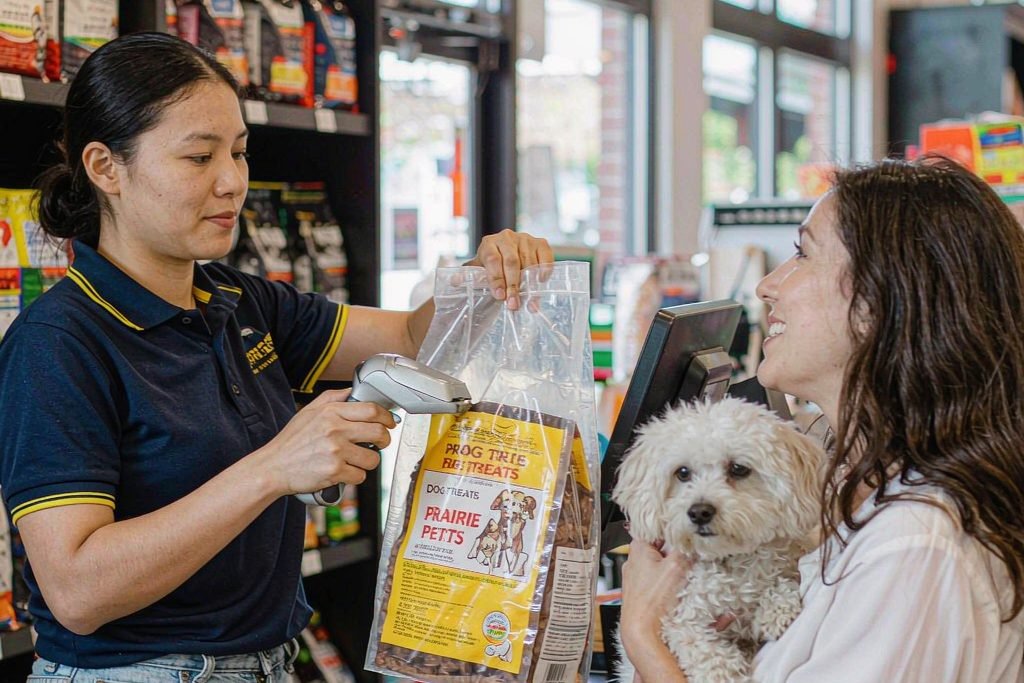
When a customer reaches the counter, the same screen handles a grooming appointment and a retail sale in a single transaction. You take payment once. The groom's invoice and the bottle of shampoo share one receipt and one history, so the books never disagree about what was sold.
Sell that shampoo and the count drops by one the moment you press Confirm, with no second step and no second system to reconcile later. That link between the sale and the shelf is what most pet shop POS systems leave you to do by hand.
The appointment has a spine
Grooming scheduling should not be a sticky note. Book the groom on the calendar, check the dog in, run the pre-check, mark it complete. Two things happen automatically:
- Automated timestamps: the check-out time stamps itself when you settle the invoice, and disappears if you ever void it.
- Full visit reports: the owner does not just get a snapshot of the after-photo. They get a report of the whole visit, when the dog arrived, what the pre-check found, and how the coat came out.
Stock moves when you do
Inventory management is not a separate weekend project. A delivery arrives, you open a receipt, confirm the items and cost, and the count updates on the spot. Three everyday moves:
- Receive: confirm a delivery and stock goes up immediately.
- Return: a box comes back as its own credit note with its own number, and the cost comes off at the price you paid, so your inventory value stays true.
- Stocktake: count the shelf on a scanner, a picker, or an uploaded sheet while stock is locked, then someone who did not do the count approves the difference.
Fat-fingered a line? Void the receipt instead of living with it.
You see the empty shelf before a regular does
The retail dashboard lists running-low items the moment you open the app. A customer asking whether you still have that food becomes a reorder you already placed, not a sale you missed.
One customer, not two
The person who booked the groom is the same profile you sell food to. Their pets, their tags, and their visit history sit in one record. If a dog panics at the clippers, that behavioural tag follows it onto the appointment and the report, so the next groomer knows before the leash changes hands. Customers can even fill their own profile through an intake link before they ever walk in.
Permissions that fit the people actually working
Seven switches decide who can sell, receive stock, run a stocktake, approve one, and manage the appointment book. The person unloading the truck and the person signing off the count do not have to be the same person.
None of this asks you to bolt two systems together or learn three logins. It is one POS, one customer list, and one stock count, and the numbers on the shelf match the numbers on the receipt because they are the same numbers.
See it on your own shop
Every module is unlocked for 7 days. Set up your services and take a real booking before you decide anything.
No credit card required · Cancel anytime